Legacy Data Migration

Move your collection without losing what you've already built

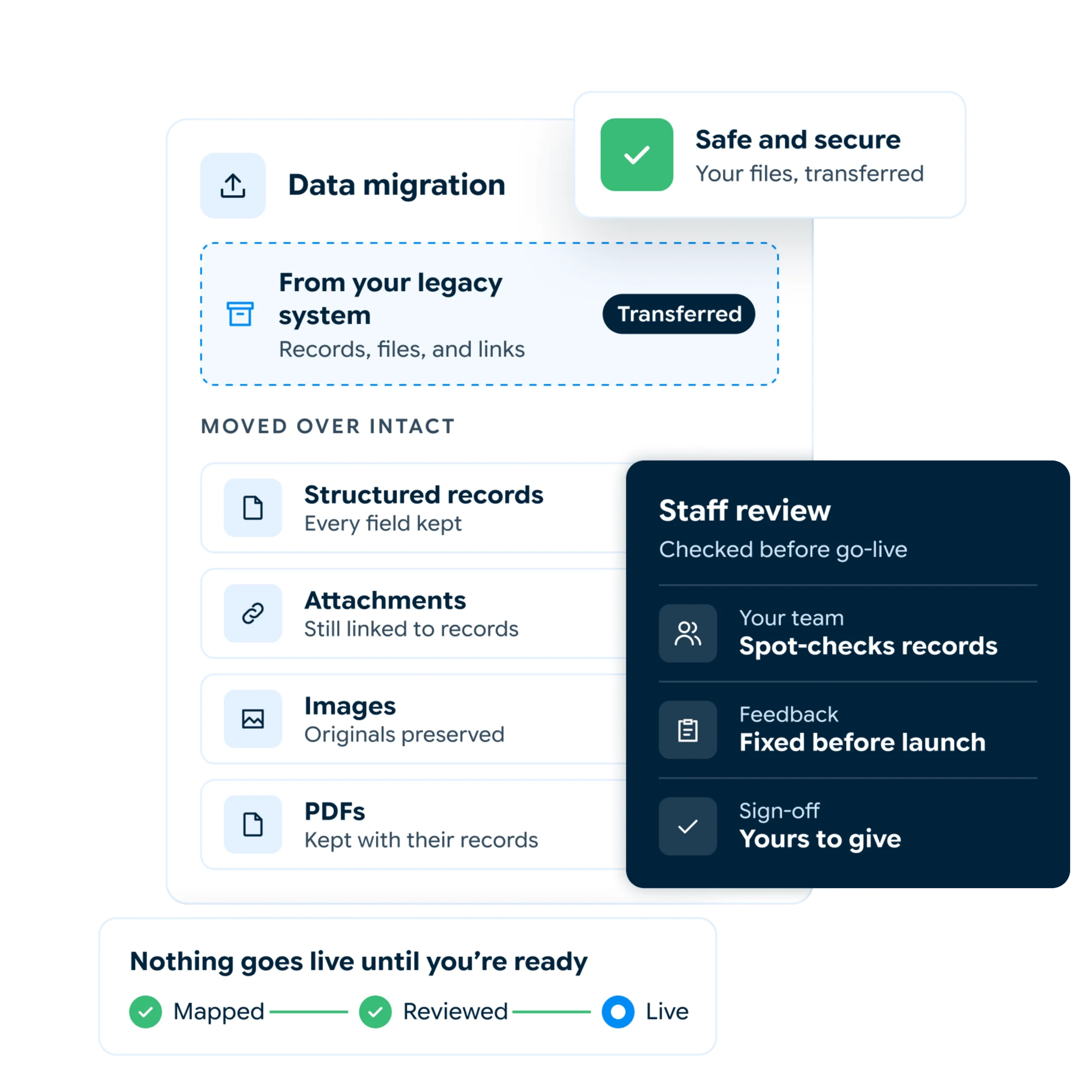
Structured records, attachments, images, and PDFs, migrated from your legacy system and checked against your own staff’s feedback before anything goes live.

✓ Your files transferred, safe and secure

✓ 30+ years of archive, library, and museum legacy data migration

Data migration from a legacy system with structured records, attachments, images and PDFs moved intact, staff review and sign-off before go-live
50 years of experience icon
30+ yrs

trusted by archives, libraries, and museum teams for legacy data migration

Hundreds of legacy systems migrated icon
100s

of data migrations to Soutron, from third-party systems and earlier Soutron platforms

Data centres in four regions icon
4 Regions

Data centers in the USA, Canada, UK, and EU

Six step migration process icon
6 Steps

structured archive, library and museum data migration process with clear safeguards 

The Risk of Moving

Why teams stay on systems they've outgrown

Switching systems means trusting that decades of catalog records, attachments, and authority terms survive the trip. That risk is often reason enough to stay put, even on a system that no longer fits.

Without Soutron

Migrating Data Alone

✓ Manual export scripts and guesswork

✓ One shot at getting the data right

✓ Downtime while systems switch over

✓ No one to call when something looks wrong

With Soutron

Expert, Trusted, Data Migration Services

✓ An expertly defined, customized data migration process

✓ Test loads until your team signs off

✓ Both systems live until you’re ready

✓ A migration team that owns the outcome

How It Works

6 steps, from your old system to your new one

Data collection and audit icon
Step 1

Data Collection & Audit

You export your archive, library, or museum data. We review its volume, structure, and consistency.

Data schema design icon
Step 2

Data Schema Design

A custom import plan and a new database schema are developed, built around how you classify your information, and how your users search for needed information.

Test conversion icon
Step 3

Test Conversion

A trial load shows you how your data will look and behave before anything is final.

Feedback and refinement icon
Step 4

Feedback & Refinement

Your staff review the test data. We adjust and reload until it is right.

Go-live icon
Step 5

Go-Live

Files updated with final data, attachments, API, and SSO configurations.

Training and support icon
Step 6

Training & Support

Hands-on training so your team is confident in the new system from day one.

Our Data Migration Commitment

"Your implementation will not be considered complete until you are satisfied with the results."

What Comes With You

Every structured format the collection holds: recorded, printed, or digital

Structured records and metadata icon

Structured Records & Metadata

Structured data and accompanying record attachments from your current system come with you.

Attachments, images and PDFs icon

Attachments, Images & PDFs

Record attachments migrate too, though file quality and naming conventions affect how cleanly they load.

Schema built for discovery icon

A Schema Built for Discovery

Your existing data, remapped into a new schema designed around how your users actually search.

FAQs

The questions we get the most, answered here first.

What is legacy data migration, and how does it work?

You export your data and securely transfer it to us. We analyze it, design a schema, and provide a test database, then load and configure it based on your staff’s needs and feedback. We then train your team on the complete, approved system.

Normally, yes, as long as the data can be exported from your legacy system and is structured.

Yes. Success depends on file quality and naming conventions.

It depends on scope, data cleanliness, data volume, attachment volume, timing, in addition to client and staff availability. Clean, consistent records shorten the migration timeline.

Yes. Your original system stays live and operational until you approve the migration.

Data is never lost outright, but unstructured or corrupted files may not convert cleanly. Over 30+ years, conversion failures have been rare, and we often clean up and improve data quality along the way.

Data and attachments go live in the approved environment along with APIs and SSO. Training and Hypercare begins.

Still have questions?

We’re here to help. Reach out to our team, and we’ll get back to you ASAP.

Support and onboarding

Get a partnership, not just a platform

Get implementation, training, and everyday support with every system, plus a world-class support team ready when you need help.

Clock icon

Global Help Desk

Get around-the-clock coverage Monday to Friday, with a four-hour response commitment and most tickets answered in 20 to 30 minutes.

Person icon

Support Group

Connect with the team and other customers using the same modules. Hear about updates first, share what works, and shape what’s next.

Hand holding a heart icon

Fully Managed

Hand implementation to a delivery team that runs it end to end, from data migration to portal design. We do the heavy lifting so you get up and running quickly. 

Support headset icon

Training Built In

Train hands-on with every implementation.

Get onboarded with confidence

1

Kick-Off

2

Portal Design

3

Data Mapping & Migration

4

Hands-On Training

5

Hypercare

6

Ongoing Support